Monster Encyclopedia
Last updated by Depardieu on August 29, 2026
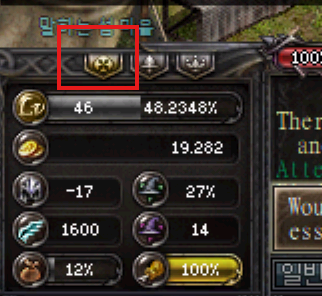
The Monster Encyclopedia is accessible through the main GUI. It provides you with information on drops, areas, and rewards.
The top left section let's you define a filter. In the left section let's you select a monster. On the right, you'll see all of the information for that specific monster, as well as reward info.
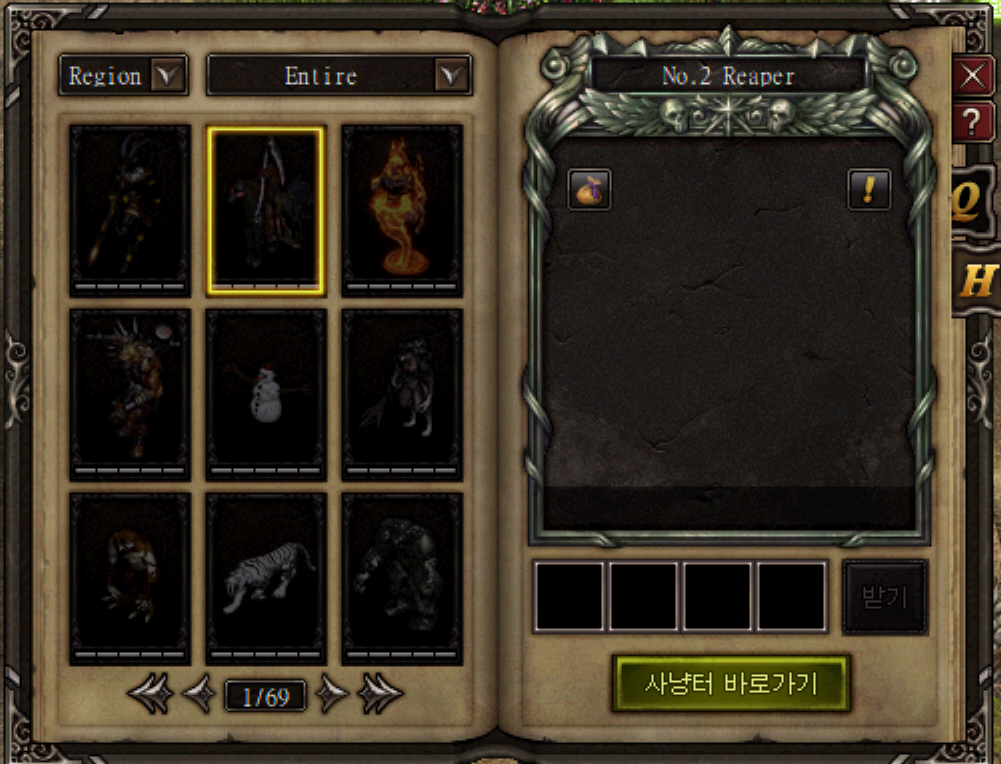
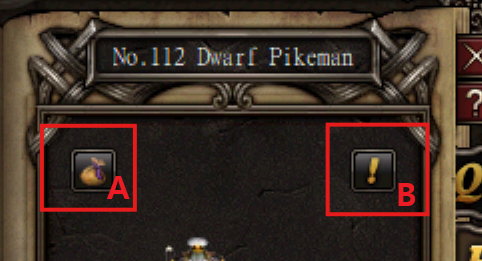
Clicking the bag icon (A) will show you the monsters drops and clicking the ! (B) icon will show you their stats.
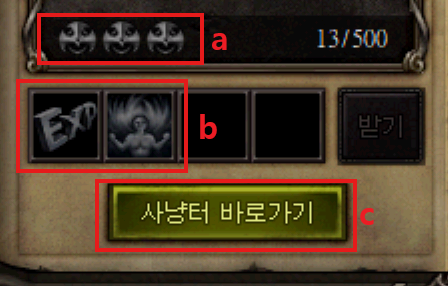
In the bottom right section, there are 3 tiers (a) achievable for killing a certain amount of monsters: 500, 10000, 100000. By clicking each tier, you can hover and see the rewards for achieving that tier below (b). Clicking the green button (c) will teleport you to that monster's location.